Gantry
Excel gantt chart, made from the spreadsheet you already have
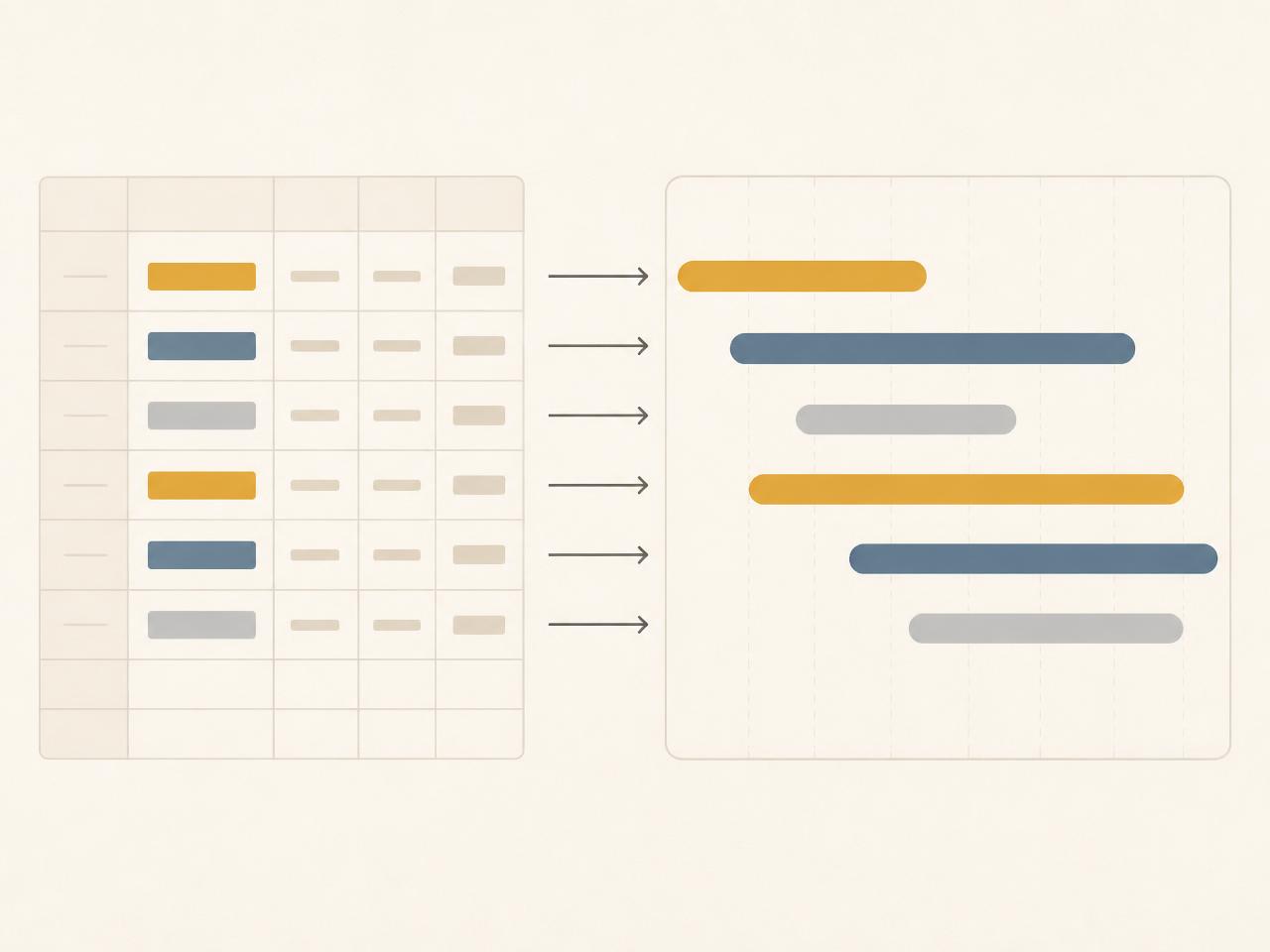
Drop in an .xlsx with a Tasks sheet. Gantry draws an Excel gantt chart you can read, edit, and hand back. No migration, no lock-in.
Free, browser-only, no sign-up.
01
Keep the workbook
Your Tasks sheet stays the source of truth. Import it, make changes in the timeline, then export the same .xlsx back.
02
Edit offline
Everything happens in this browser. No upload to a server, no account to create — your plan never leaves your machine.
03
Share the timeline
Export a clean, full-width image of your gantt chart for a slide, or hand over the workbook with a Plan tab drawn inside it.
What makes a good Excel gantt chart?
A useful gantt chart shows when work starts, when it ends, who owns it, and how pieces depend on each other. Gantry reads those columns from your Excel file — Task, Start, End, Owner, Status, Dependencies — and turns them into a timeline you can drag, group, and filter.
Already have a plan in Excel? Turn it into a gantt chart in seconds.
Back to Gantry